Diskaroo icon

Diskaroo vs WizTree

Looking for a WizTree alternative? Here's an honest Diskaroo vs WizTree comparison. WizTree is fast — astonishingly fast — because it reads the NTFS Master File Table directly. On a Windows-only machine with terabyte drives, nothing in the category scans faster. Diskaroo vs WizTree only makes sense if you also use a Mac, want a unified treemap experience across both desktops, or care about specific duplicate-detection ergonomics — Diskaroo concedes the speed crown honestly.

At a glanceDiskarooWizTree
Entry price$2.99/moFree (personal)
Most popular plan$14.99/yrPaid Supporter / commercial license
Lifetime license$19.99 (Mac + Windows)Per-seat commercial / enterprise
PlatformsMac · WindowsWindows

Pick WizTree if

  • ·Genuinely the fastest scanner in the category. WizTree reads the NTFS Master File Table directly, scanning terabyte drives in seconds where every other tool takes minutes.
  • ·Free for personal use with no nag screens or feature gates. Most home users never need to pay anything.
  • ·Mature, well-maintained, and trusted by IT admins who scan large drives daily. The reputation in the Windows community is genuinely earned.
  • ·Built-in duplicate file finder that runs against the same MFT-driven scan, so duplicate scanning is also unusually fast on NTFS volumes.
  • ·Tiny installer and minimal resource footprint — runs cleanly on older Windows machines where heavier tools struggle.

Pick Diskaroo if

  • +One purchase covers Mac and Windows. WizTree is Windows-only and its NTFS-MFT speed advantage doesn't translate to APFS or HFS+, so a Mac user is buying something different anyway.
  • +Same treemap, same shortcuts, same workflow on both desktops. A buyer who lives in both ecosystems gets one mental model instead of two tools.
  • +Byte-exact duplicate detection with a deterministic three-pass strategy (size group → 64 KB partial hash → full-file hash). Fast pre-filtering followed by full hash means a flagged duplicate is identical down to the byte.
  • +Modern collector tray — stage files from multiple folders before deleting anything, review the whole batch, then send to trash in one action.
  • +Honest, generic-filesystem scanner. Diskaroo doesn't depend on a single filesystem's metadata format, so it behaves the same on internal drives, external drives, network volumes, and non-NTFS partitions.

Full feature comparison

Verified 2026-05-08. Source linked at the bottom.

FeatureDiskarooWizTree
Price (entry)$2.99/moFree (personal)
Lifetime price$19.99Paid (commercial)
PlatformsMac + Windows (one license)Windows only
Scan speed (NTFS large drive)Standard walkMFT-direct (fastest in category)
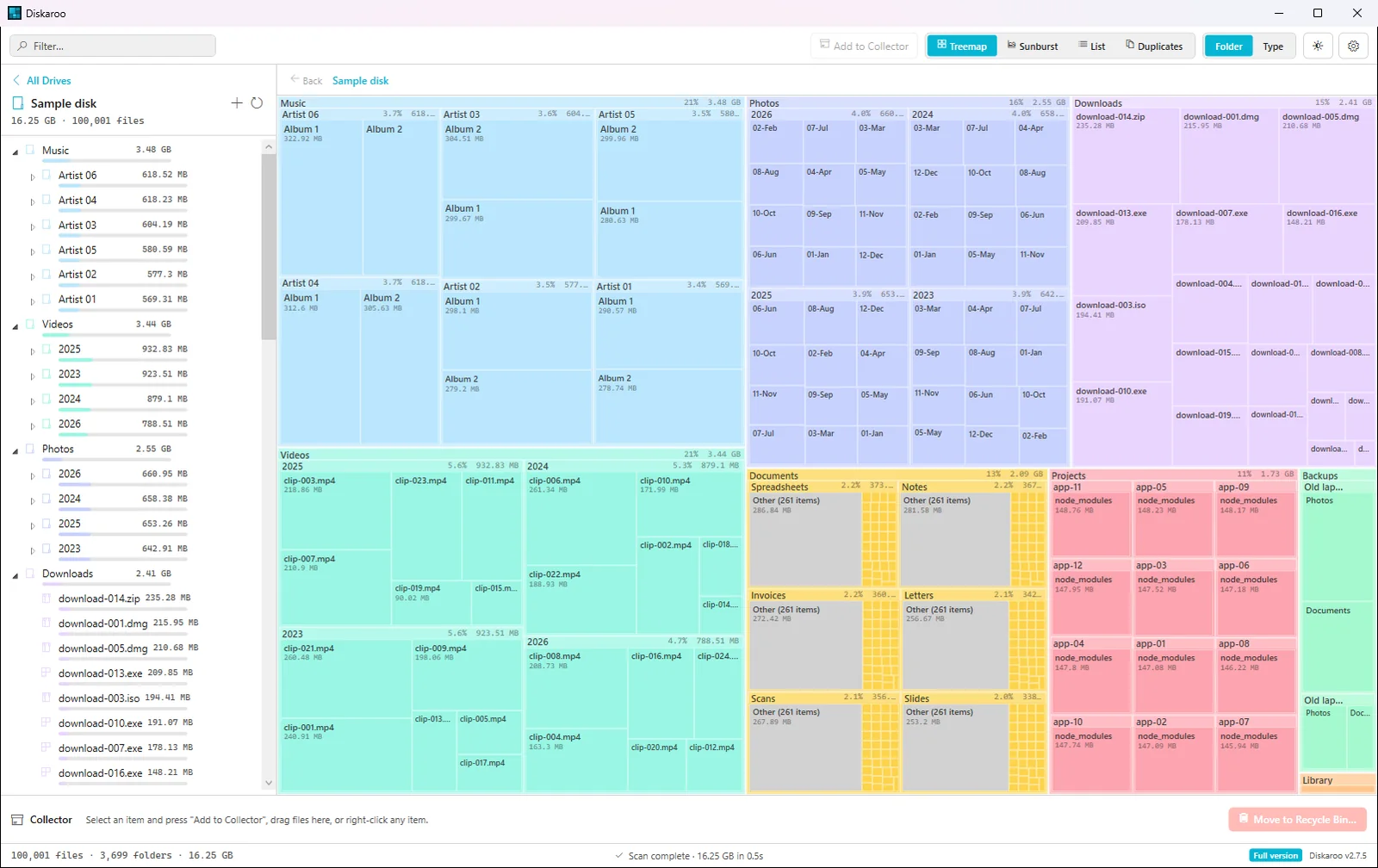
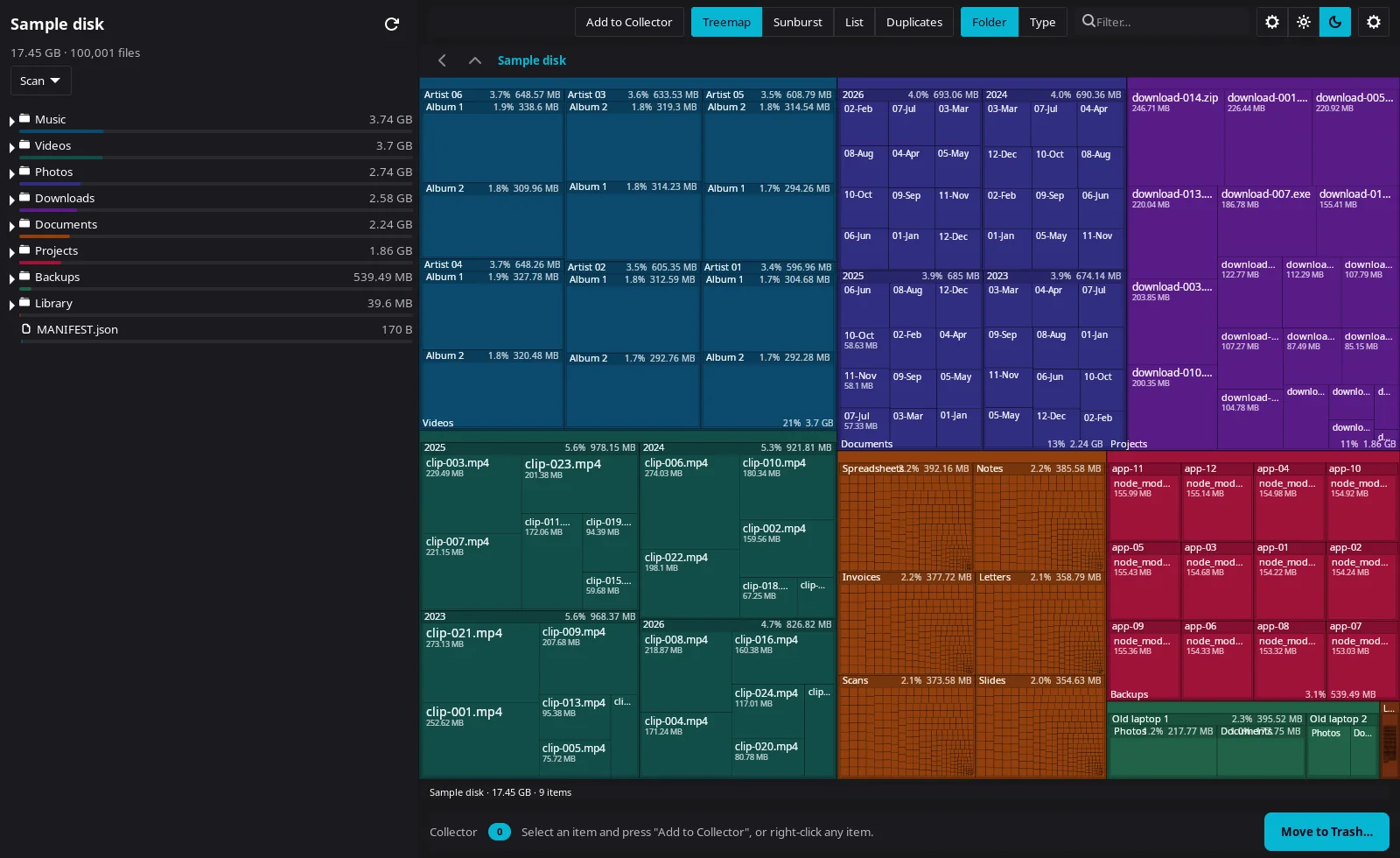
VisualizationTreemap (squarified)Treemap
Drill-in / breadcrumbsYesYes
Filters (size, type)YesYes
Collector / staging trayYesNo
Duplicate detectionYes — byte-exact 3-pass (Pro)Yes
File-age viewPlannedYes
Scheduled scansPlannedNo
Scan comparison over timePlannedNo
APFS / HFS+ scanningYes (Mac)No
Network / non-NTFS volumesStandardSlower (no MFT shortcut)
Commercial license clarityOne price covers personal and commercialFree personal / paid commercial
Years on market<210+
Trust artifactsApple Developer ID + Azure Trusted SigningSigned installer

Bottom line

WizTree is the fastest scanner I've ever used on Windows, and I'm not going to pretend otherwise. If your only machine is a Windows desktop with a multi-terabyte NTFS drive and you scan often, WizTree is probably the right tool — the MFT-direct trick is genuinely impressive and it's free for personal use. Diskaroo is the right call if you also use a Mac (one license, both desktops, same workflow) or if your duplicate-file pain matters more than raw scan speed. The category isn't winner-take-all here — different buyers want different things, and WizTree's speed is real.

FAQ

Is WizTree really faster than Diskaroo?+

On NTFS-formatted Windows drives, yes — substantially so. WizTree reads the Master File Table directly, which is a fundamentally faster approach than walking the filesystem. Diskaroo uses a standard scan, which is slower on huge drives but works the same way on every filesystem and every platform.

Does WizTree find duplicates?+

Yes. WizTree has a duplicate finder that benefits from the same MFT-driven scan, so it's fast. Diskaroo's duplicate detection runs a three-pass byte-exact match (size group, 64 KB partial hash, full-file hash), which prioritizes correctness over raw speed. Both will catch real duplicates; neither catches fake ones.

Is WizTree free?+

Free for personal use. Commercial use requires a paid Supporter or business license. Diskaroo is paid up front but the same license covers personal and commercial use, plus both Mac and Windows.

Why would I pay for Diskaroo if WizTree is faster and free?+

If you're Windows-only and only care about speed, you probably shouldn't. Diskaroo wins when you need Mac and Windows under one license, when filesystem-agnostic behavior matters (network shares, external drives, non-NTFS volumes), or when the workflow polish is worth $19.99 to you.

Does Diskaroo's duplicate detection work the same way as WizTree's?+

Different approach. Diskaroo's three-pass algorithm groups by size, then partial-hashes the first 64 KB, then full-hashes any remaining matches. The full hash means a flagged duplicate is byte-identical, not just same-size or same-prefix.

More Diskaroo comparisons

Get Diskaroo

Pricing verified 2026-05-08. WizTree pricing source. Subject to change.