| Price (entry) | Free (with a Bravely Account) | $9.99 once |
|---|
| Lifetime price | Free for life (Mac + Windows + Linux) | $9.99 (Mac only, up to 5 personal Macs) |
|---|
| Free option | The whole app, free with a Bravely Account | A trial that maps your disk but can't delete (not in the Mac App Store edition) |
|---|
| Platforms | Mac + Windows + Linux (one account) | Mac only |
|---|
| Runs on | macOS 14 or later (Apple silicon or Intel); Windows 10 or 11 (x64); 64-bit (x64) Linux with GTK 4 | macOS 10.13 or later, on Apple silicon and Intel (legacy editions back to 10.5) |
|---|
| Exact duplicate finder | Yes: by content (SHA-256), in what you scanned | No |
|---|
| Similar / fuzzy duplicate detection | No | No |
|---|
| Clearing what you collected | Trash or Recycle Bin (restorable), or Delete Permanently if you choose | Permanent delete after a 5-second countdown (no Trash), so the space comes back at once |
|---|
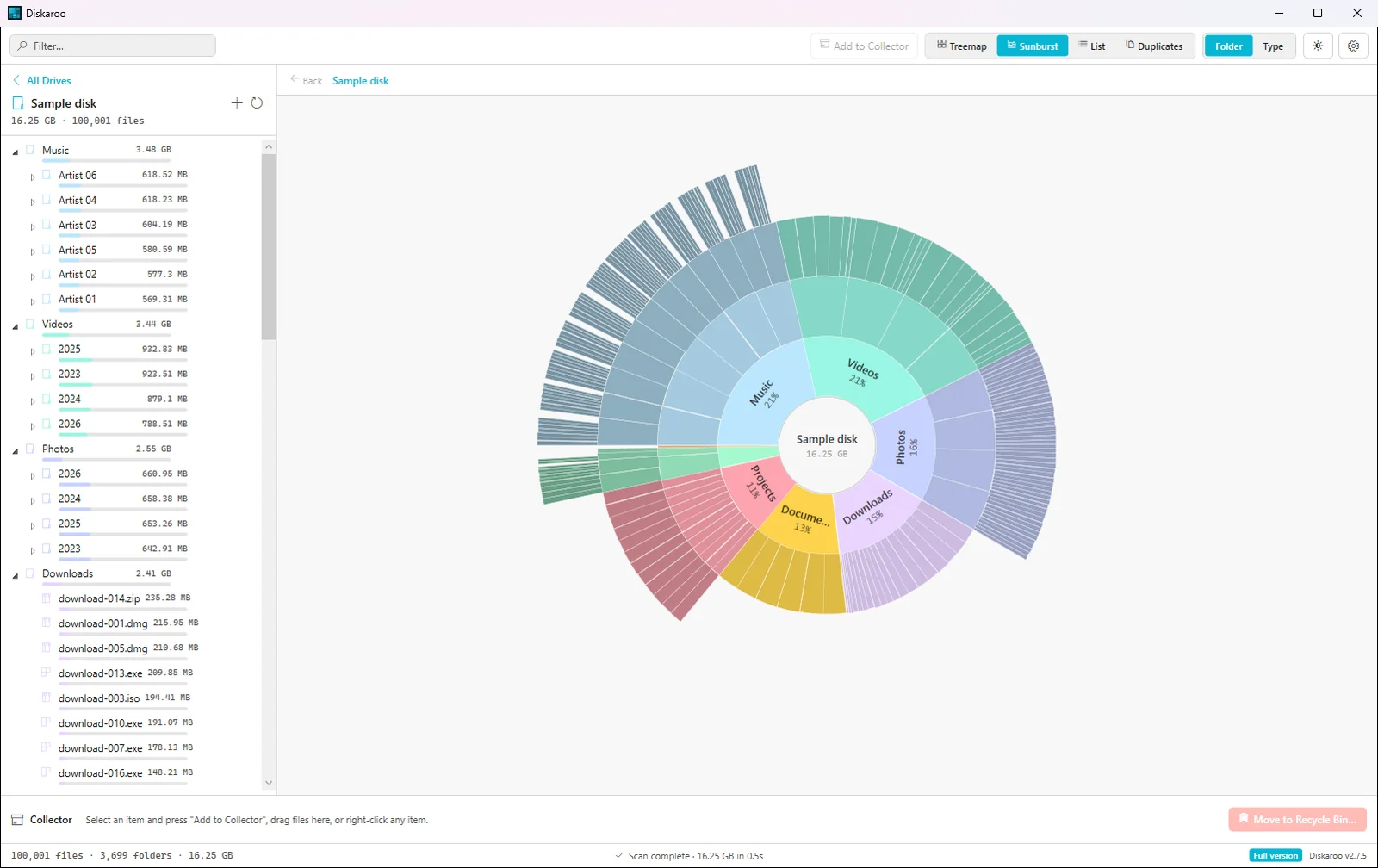
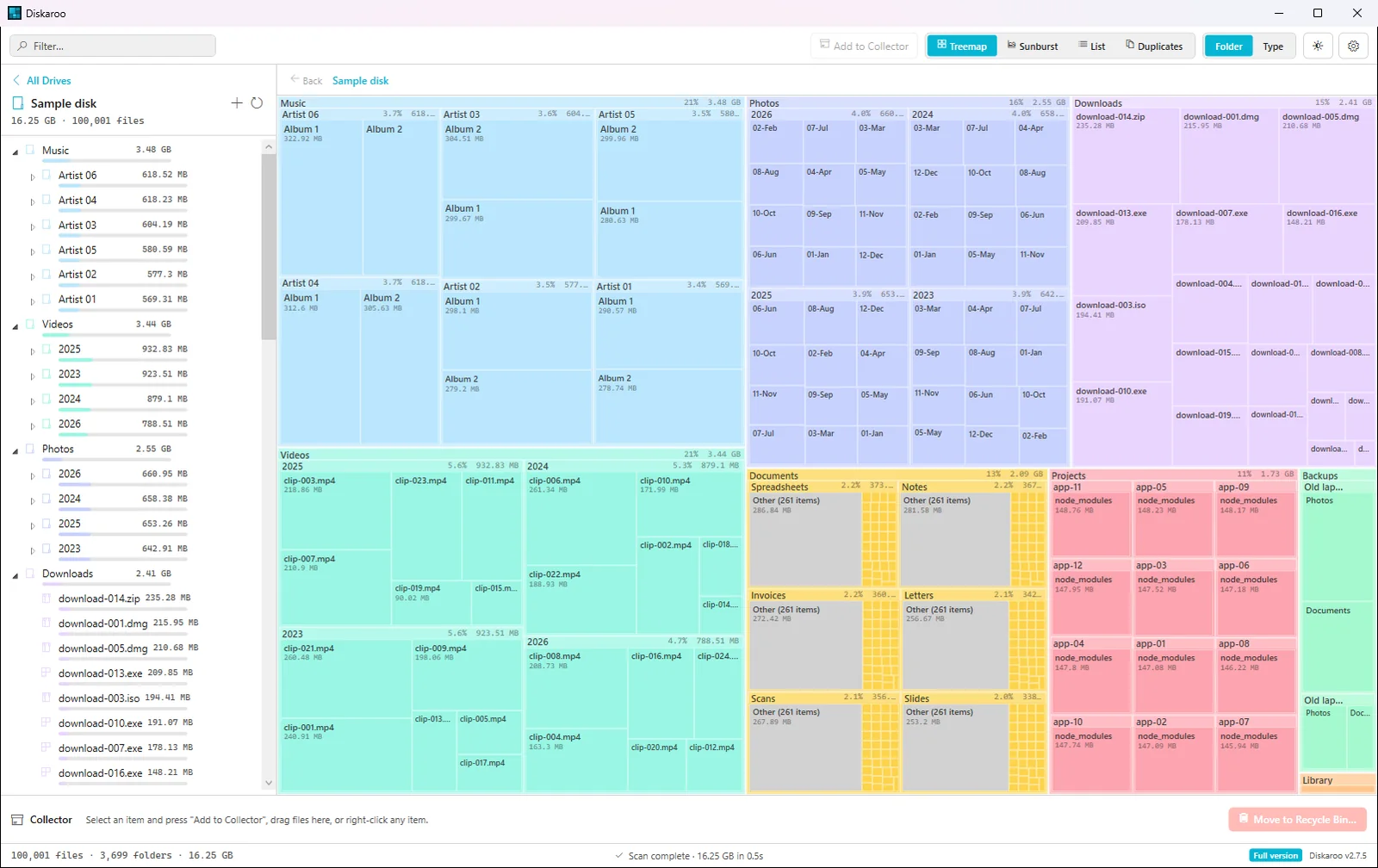
| Visualization | Treemap (squarified) + sunburst | Sunburst |
|---|
| Colour by file type | Yes (or by folder) | No (folders in colour, files in grey) |
|---|
| Filter by name or extension | Yes | No |
|---|
| List view | Yes: its own view, sorted by size | A sidebar list beside the map, sorted by size |
|---|
| Click to drill in | Yes | Yes |
|---|
| Purge purgeable space / APFS snapshots | No | Yes (the edition sold on its own site) |
|---|
| Scan as administrator (Mac) | No | Yes (the edition sold on its own site) |
|---|
| Cloud storage scanning | No | Yes (Dropbox, Google Drive, OneDrive, Box) |
|---|
| System / junk cleaning | No | No |
|---|
| Full Disk Access guide (Mac) | Yes: a step-by-step sheet with a button to System Settings | Yes: a Full Disk Access tab in its settings |
|---|
| Account needed | Yes (a free Bravely Account) | No (a license key) |
|---|
| Years on market | Under a year | 16+ (release log from 2010) |
|---|
| Trust artifacts | Apple Developer ID (notarized) + a signed Windows installer | Apple Developer ID (notarized) |
|---|