01
Pick a sticki
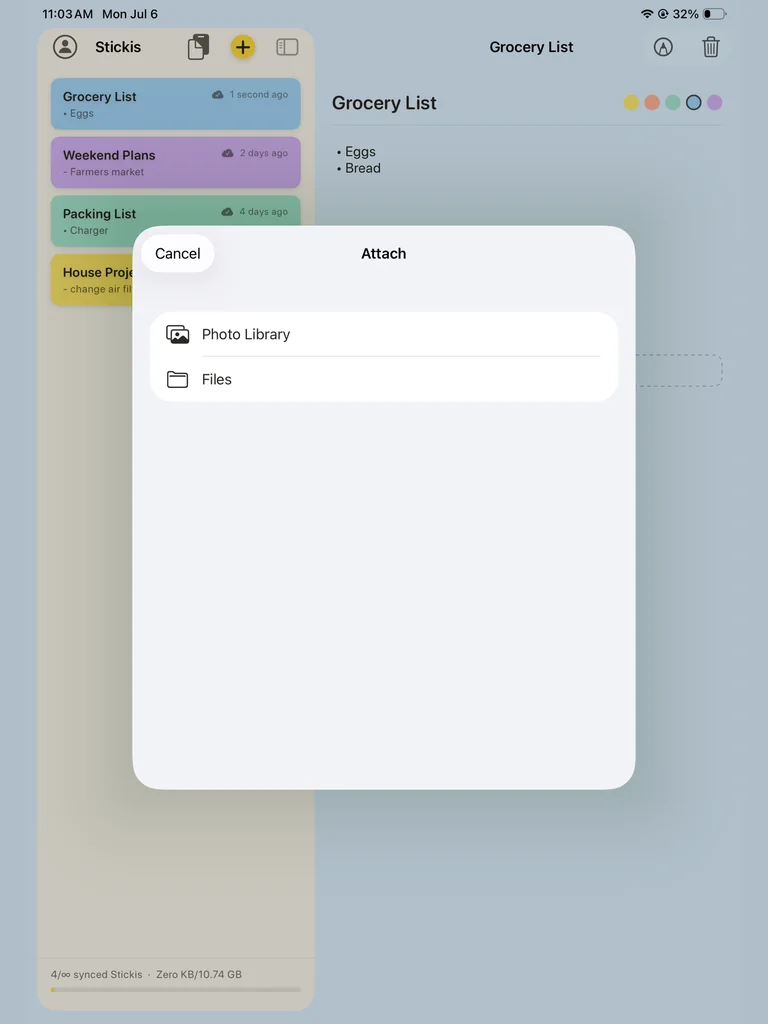
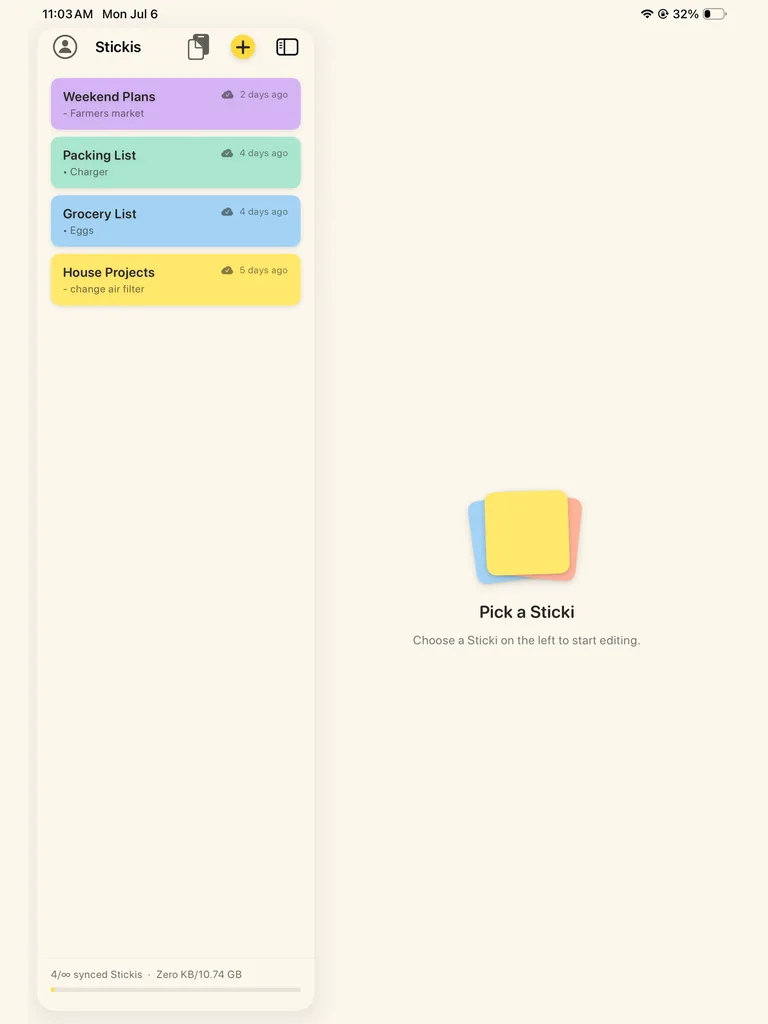
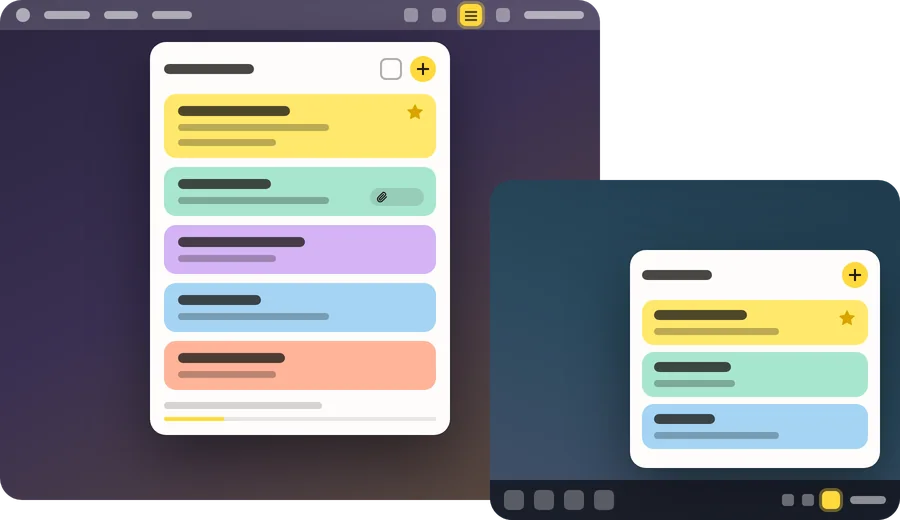
Your whole list sits on the left. Pick a sticki and it opens beside it, ready to edit.
 Sticki.ly: One sticky note.
 Text plus one attached file per sticki. As many stickis as you need. No folders, no tags, no clutter.
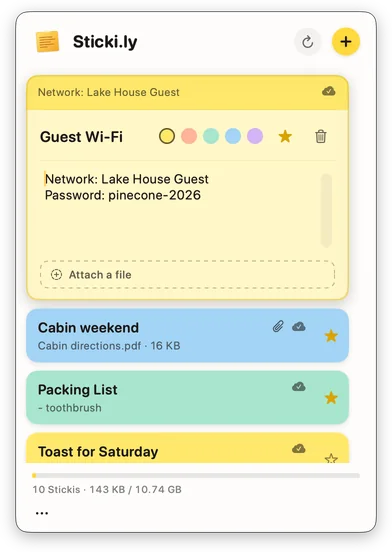
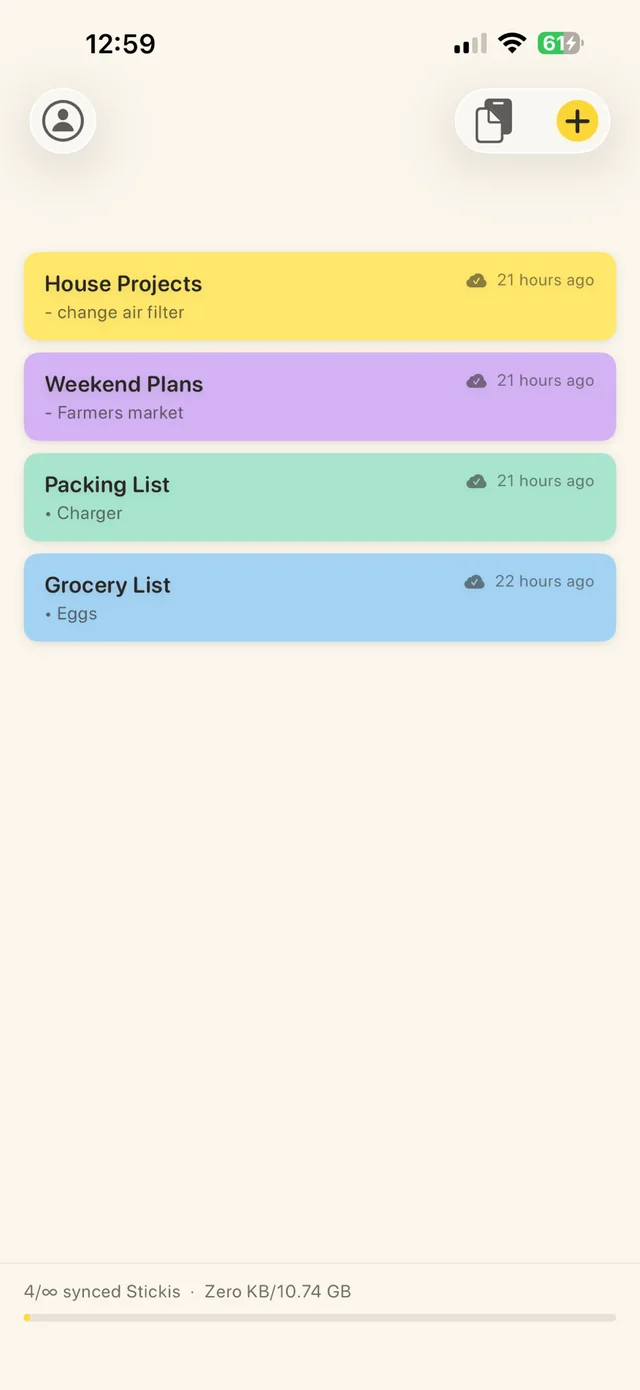
Start on your computer. Finish on your phone.
Every client renders the same stickis in the way that fits the device it’s on.
Sticki.ly in 39 seconds 0:39
What’s in the box
Every feature earns its place. If it’s here, it’s because it makes a sticki more useful, not because we could ship it.
Every sticki holds a title, a note and one attached file: a PDF, a photo, a document. Attach a new one and it replaces the old.
Make as many stickis as you need. Files can be up to 100 MB each, with 10 GB for all of them.
Pick yellow, peach, mint, sky or lilac for each sticki. It keeps its color on every device.
Star the stickis you reach for most and they stay at the top of the list, on every device.
Sign in with the same Bravely Account and your stickis are on your Mac, PC, Linux machine, iPhone, iPad, Android phone and the web. A change shows up on your other devices, usually within a minute.
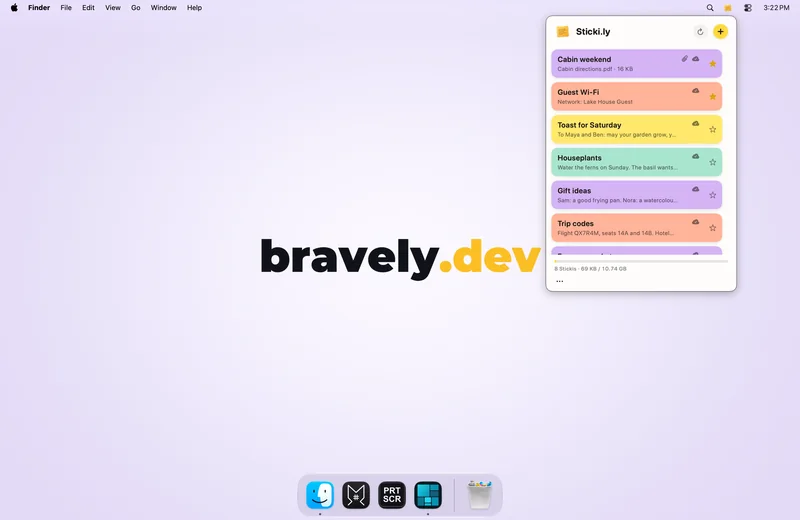
On a Mac, Sticki.ly lives in the menu bar. On Windows and Linux, it’s in the system tray. One click and your stickis are there.
Copy here, paste anywhere: push what’s on your clipboard to your other devices, then copy it back from the Auto Sticki list there with a tap. It keeps your last 50 items for 30 days.
On a computer, turn Auto Sticki on in Settings, select something and press ⌘⇧C on a Mac or Ctrl+Shift+C on Windows and Linux to send it. The Mac asks for Accessibility the first time; on Linux the shortcuts need an X11 desktop. Your normal copy and paste are never read.
On iPhone and iPad, widgets put your latest sticki on your Home Screen and Lock Screen, and a bigger one pages through the rest. On Android, a widget shows the sticki at the top of your list.
On iPhone and iPad with iOS 18 or later, start a new sticki from Control Center or the Lock Screen (or the Action Button on iPhone). On Android, start one from a Quick Settings tile.
In the apps on your computer, phone and tablet, your stickis are saved on the device: edit them on a plane or the subway, and changes sync when you’re back online.
No app on the computer you’re using? Sign in at stickily.bravely.dev and your stickis are there in your browser. Tested in Chrome; the web app needs a connection.
Sign in with your Bravely Account and pick up the same sticki on every device. Use Google, Apple, email password, or a magic link.
On a computer, drop a file on a sticki to attach it, and open it from there.
Share text from another app: on Android it becomes a new sticki; on iPhone and iPad it’s added to your latest sticki.
Auto Sticki carries text everywhere, and pictures too on Mac, Windows, iPhone, iPad and Android.
Your stickis travel over encrypted connections and are never used for ads or training.
Text + one file
Every sticki carries a title, a note and one attachment: a PDF, a photo, a document, up to 100 MB. Attach a new one and it replaces the old.
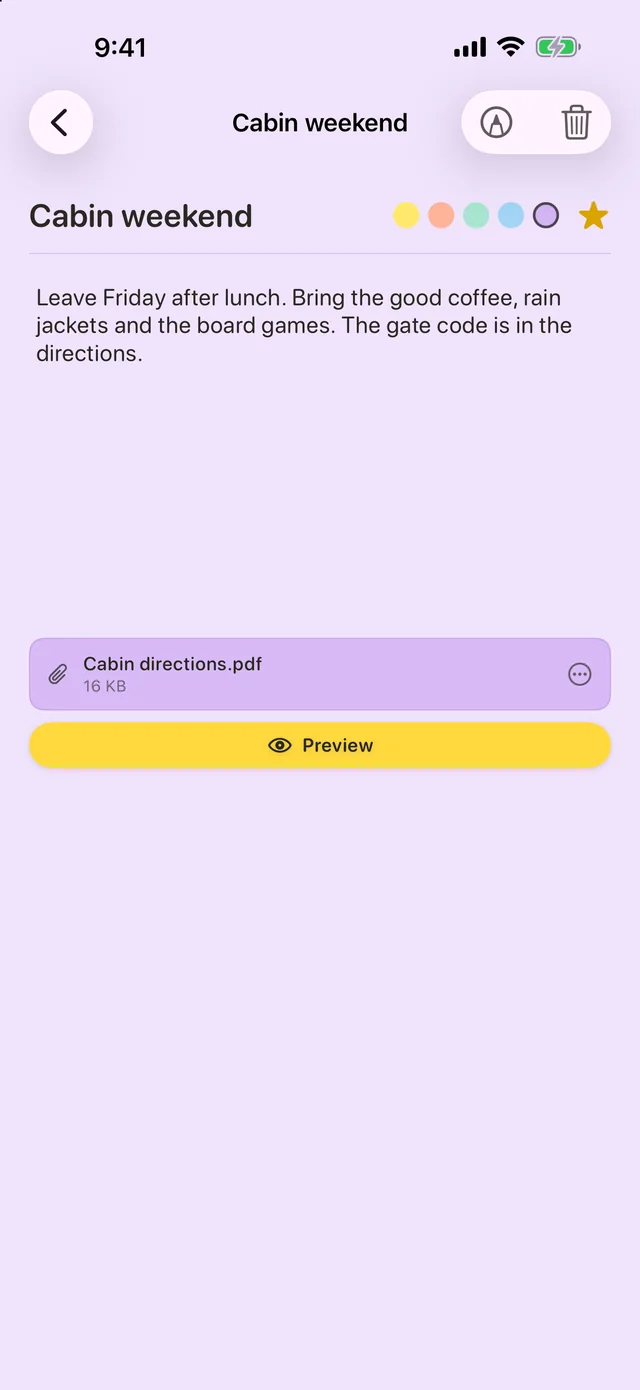

Pick yellow, peach, mint, sky or lilac for each sticki. It keeps its color on every device.
Star the stickis you reach for most and they stay at the top of the list, on every device.
Make as many stickis as you need. Files can be up to 100 MB each, with 10 GB for all of them.
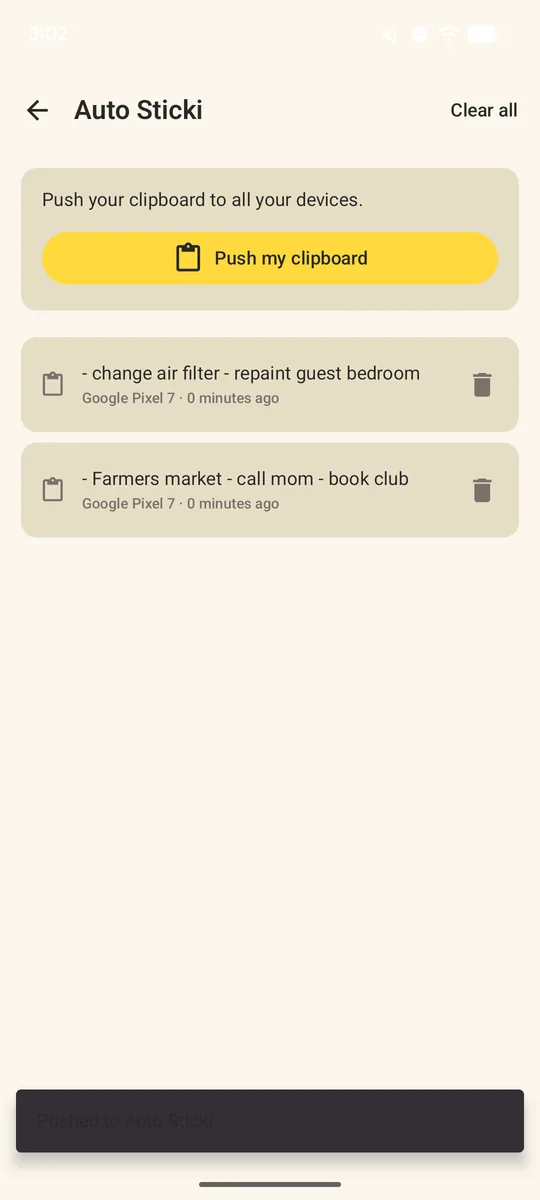
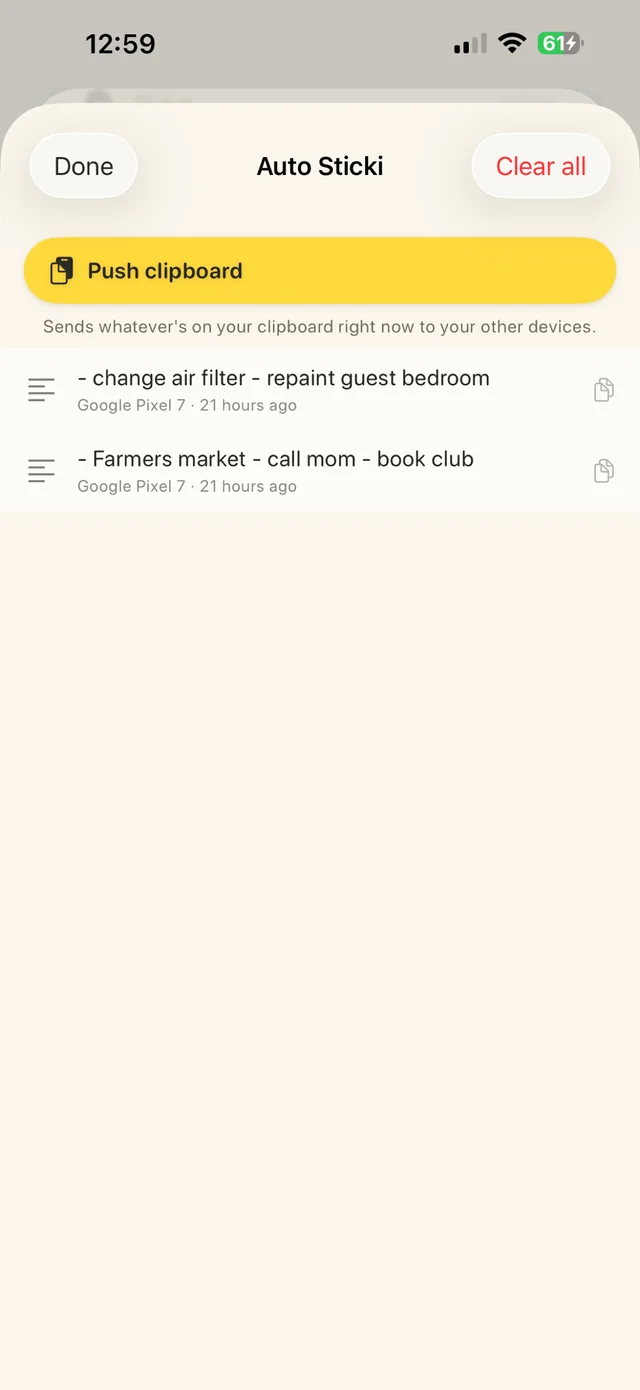

Auto Sticki
Push whatever is on your clipboard straight to your other devices. On the other device, it’s waiting in the Auto Sticki list: tap it to copy it. Sticki.ly keeps your last 50 items for 30 days.
On a computer, turn Auto Sticki on in Settings, select something and press ⌘⇧C on a Mac or Ctrl+Shift+C on Windows and Linux to send it. The Mac asks for Accessibility the first time; on Linux the shortcuts need an X11 desktop. Your normal copy and paste are never read.
Auto Sticki carries text everywhere, and pictures too on Mac, Windows, iPhone, iPad and Android.
01
Your whole list sits on the left. Pick a sticki and it opens beside it, ready to edit.
02
Attach a photo from your library or a file from Files: the ticket, the receipt, the PDF, up to 100 MB. One file per sticki; a new one replaces the old.
03
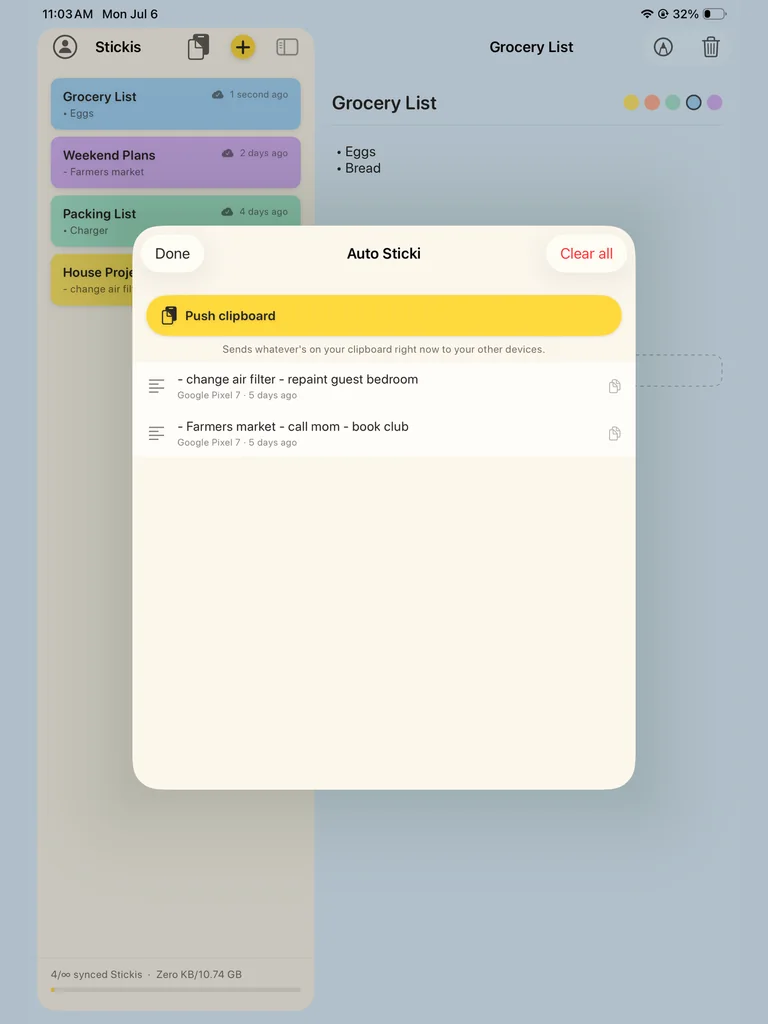
Copied something on your iPad? Push clipboard sends it to your other devices, and what they pushed is waiting in the list, one tap from your clipboard.
On a Mac, Sticki.ly lives in the menu bar, with no Dock icon. On Windows and Linux, it’s in the system tray. One click and every sticki is there to read, edit or add to.
Phones & tablets
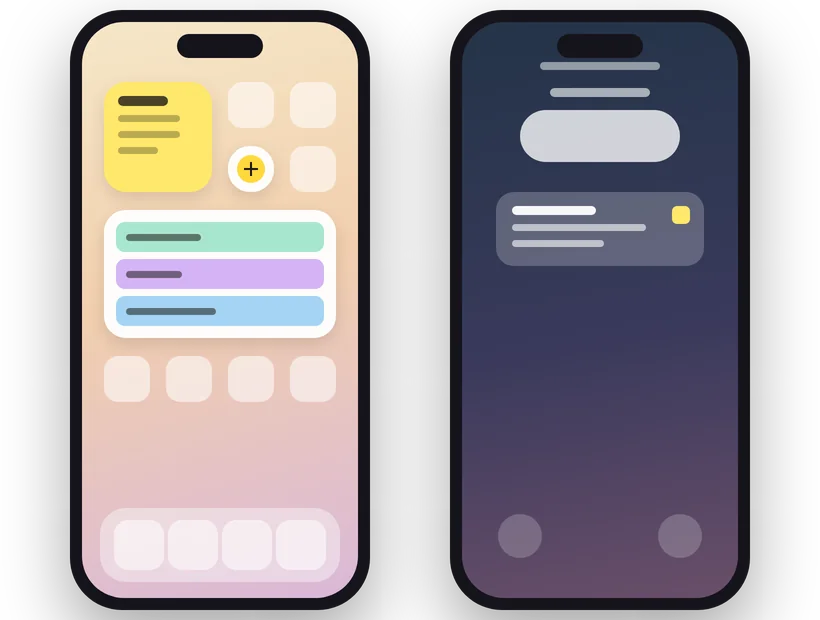
On iPhone and iPad, widgets put the sticki you edited last on your Home Screen and Lock Screen, and a bigger one pages through the rest. On Android, a widget shows the sticki at the top of your list.
Need a new one fast? On iPhone and iPad with iOS 18 or later, start it from Control Center or the Lock Screen (or the Action Button on iPhone). On Android, from a Quick Settings tile.
Real-world stickis
A sticki for the guest password. It’s always there when your in-laws visit.
Leave a sticki for tomorrow-you. Pick it up on the phone over coffee.
One sticki for each person. Text + a photo. Ready when the holidays roll around.
Passport number, confirmation codes, the name of that restaurant. All in one sticki, everywhere you are.
Add a photo of the receipt to a sticki. File stays attached; text explains what it’s for.
An idea you don’t want to lose. A text to send later. A line for a toast. One sticki, ready to steal from.
Sign in with the same Bravely Account everywhere and the same stickis are waiting, usually within a minute of your last change.
Desktop
Phone, tablet and web
Private by default
Your stickis travel over encrypted connections and are never used for ads or training.

Try every feature free for 24 hours. No card needed.
When the 24 hours are up, you can add 24 more, once.
Start free
Sticki.ly unlocked on every platform & device
$0.00for 7 days
then $9.99/mo · credit card required · cancel anytime
Annual + Bonus
Sticki.ly Pro for a year, plus all 8 other Bravely apps, free
$0.00for 7 days
then $95.99/yr · 20% less than monthly · cancel anytime
30-Day Money-Back Guarantee
FREE full access to the 8 other premium utilities, all platforms








Lifetime + Bonus
Sticki.ly Pro forever, plus all 8 other Bravely apps, free, forever
$399once
no subscription · all updates included
30-Day Money-Back Guarantee
FREE lifetime access to the 8 other premium utilities, all platforms
One sign-in · instant unlock · sync everywhere. Secure checkout opens right here.
Signing in and making your first sticki come first. Then try every feature free for 24 hours with no card (when it’s up, you can add 24 more hours, once), or start a plan. The monthly and annual plans start with 7 days free. There is no free tier.
Any single file up to 100 MB: a PDF, a photo, a document. You get 10 GB for all your files. One file per sticki keeps things simple; attach a new one and the old is replaced.
Usually within a minute. Each change is sent right after you make it, and your other devices check for changes about once a minute. The web app catches up when you come back to its tab or choose Refresh.
In the apps on Mac, Windows, Linux, iPhone, iPad and Android, yes: your stickis are saved on the device, so you can read and edit them on a plane or the subway, and changes sync when you’re back online. The web app needs a connection.
Your stickis aren’t deleted. They stay in your account, and when you start a plan again they’re all there. Until then, Sticki.ly asks you to pick a plan before it opens them. The 30-day money-back guarantee covers purchases made on bravely.dev.
Those are note libraries. Sticki.ly is intentionally tiny: no folders, no tags, no hierarchy to manage. It’s the thing you reach for when you don’t want a whole notebook.
64-bit (x64) Linux with GTK 4, as a .deb or an AppImage. It sits in the system tray on desktops that show tray icons and opens as a window on those that don’t. On Linux, Auto Sticki sends text, and its shortcuts need an X11 desktop.
Compared to