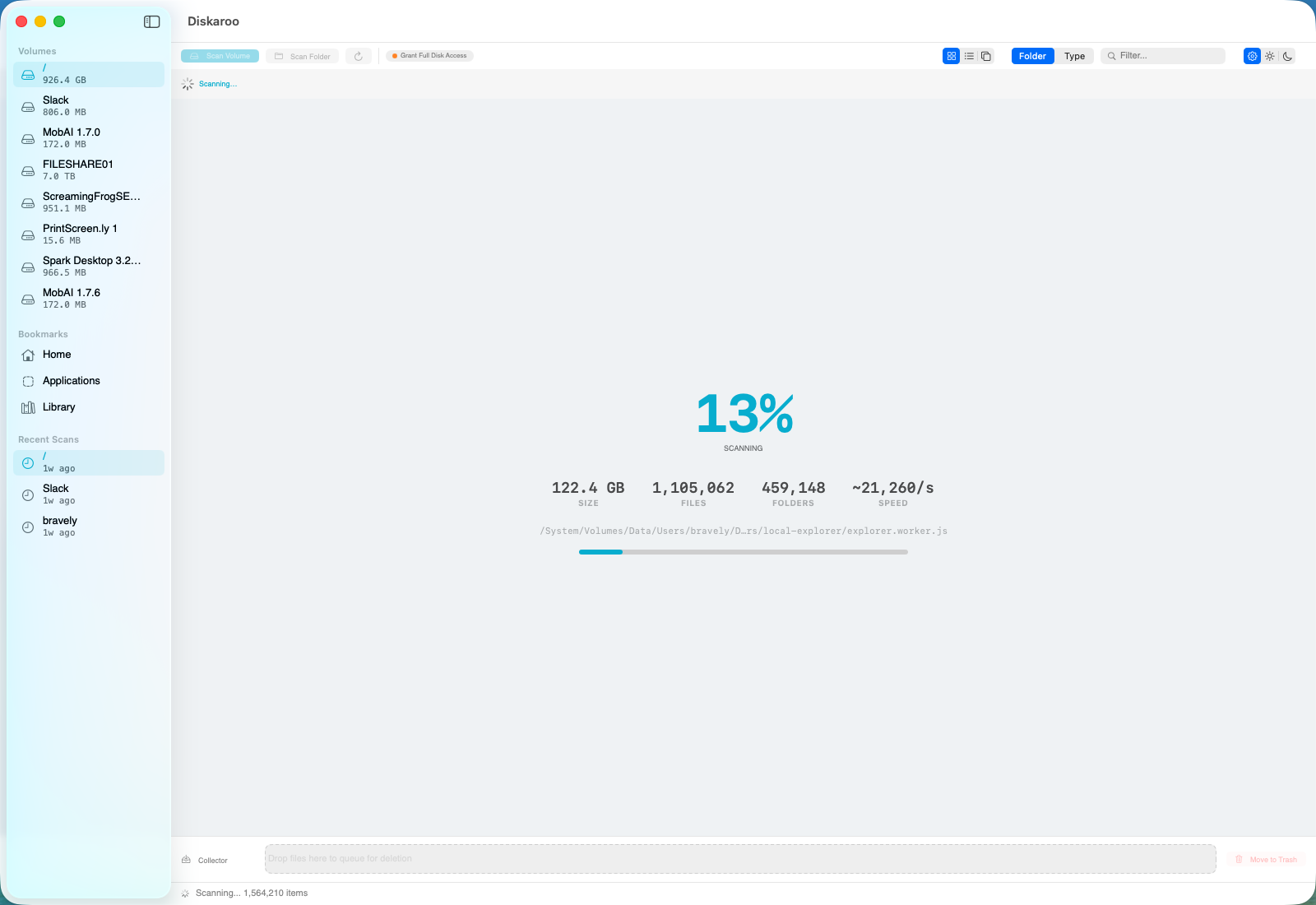
One tool, one free Bravely Account, all three desktops. Exact, byte-identical duplicate detection inside a disk-usage map — not fuzzy guessing, and not a system cleaner.
Mac · Windows · Linux · Free with a Bravely Account
Same workflow on Mac, Windows and Linux: scan, detect, review, clear.
Two machines, duplicates everywhere
If you live on two machines — a Mac for some things, a Windows PC for others — duplicate files multiply faster and hide better than they do on a single computer. The same photo library copied to both. Project archives synced through a cloud folder that ended up duplicated locally. A “backup” folder you made twice. Some duplicate finders run on only one operating system; pick one of those and you'd need two separate tools to clean two machines.
Diskaroo is built for exactly this: one free Bravely Account, all three desktops, exact duplicate detection inside a disk-usage map.
What “duplicate” means here — read this first
Diskaroo finds exact, byte-identical duplicates: files whose contents are literally the same down to the byte. Re-downloaded installers, copied folders, files synced twice, the same document saved under two names.
It does not do similar or fuzzy matching. It will not find two photos that look alike but were resized, two songs at different bitrates, or near-identical documents. If you need similar-file or similar-photo detection, Diskaroo is the wrong tool and you should use something built for that. We'd rather tell you up front than have you find out after installing it.
The cross-platform problem
Some strong duplicate finders run on one platform only, or are licensed per machine. Clean your Mac with one, then start over with a different tool — and often a second purchase — on Windows. Diskaroo is free with a Bravely Account, and that one account covers the Mac, Windows and Linux desktop apps. Same workflow and same app on each machine, with no card and no subscription.
How it works
Scan a drive or folder.
On whichever machine you're on, Diskaroo builds a visual treemap so you can see where space went.
Run exact duplicate detection.
Diskaroo identifies byte-identical copies across what you scanned by comparing file contents: first the size, then the start of each file, then the whole file, so a flagged duplicate is identical down to the byte.
Review the sets and move the extras.
Look through the sets it finds. One copy of each stays, and the extras go to the Trash or Recycle Bin, where you can still get them back until you empty it.
Repeat on your other machine.
Sign in with the same Bravely Account, and the Diskaroo Pro you claimed is yours there too. The duplicate finder works the same way on Mac, Windows and Linux.
Why dedupe inside a disk map helps
A dedupe-only tool gives you a list of matches, with no picture of how much space the rest of your disk is using. Diskaroo puts exact-duplicate detection in the same app you use to see overall disk usage, so “what's taking up space” and “what's a duplicate copy” are answered in one tool, on Mac, Windows and Linux.
Free, plainly
Diskaroo Pro is free. A lifetime copy of Diskaroo Pro, on the house: sign in with a free Bravely Account, map your first folder, and claim it right in the app. It covers the Mac, Windows and Linux desktop apps, including the disk-usage visualizer and exact duplicate detection. For a two-machine household or a developer with a Mac and a Windows box, that's one free account instead of two tools.
What Diskaroo is not
No fuzzy or similar matching. No system cleaning, junk removal, or app uninstalling. No scheduled or automatic dedupe — you scan, review, and confirm deliberately. It's a focused exact-duplicate finder built into a disk-usage map, on Mac, Windows and Linux. If that's the job, it's a clean fit. If you need similar-photo cleanup or an all-in-one optimizer, it isn't.
One free account. Mac, Windows, Linux. Exact copies only.
Native Mac, Windows & Linux scanner with byte-exact duplicate detection. Free with a Bravely Account.