Use case · for developers

How to clear node_modules and free disk space

See how much room each node_modules folder is using, review the batch, and reclaim only the ones you no longer need. Native visualizer for macOS and Windows, $19.99 one-time — nothing is removed automatically, and everything goes to the Trash.

Mac · Windows · one license, both desktops · lifetime $19.99

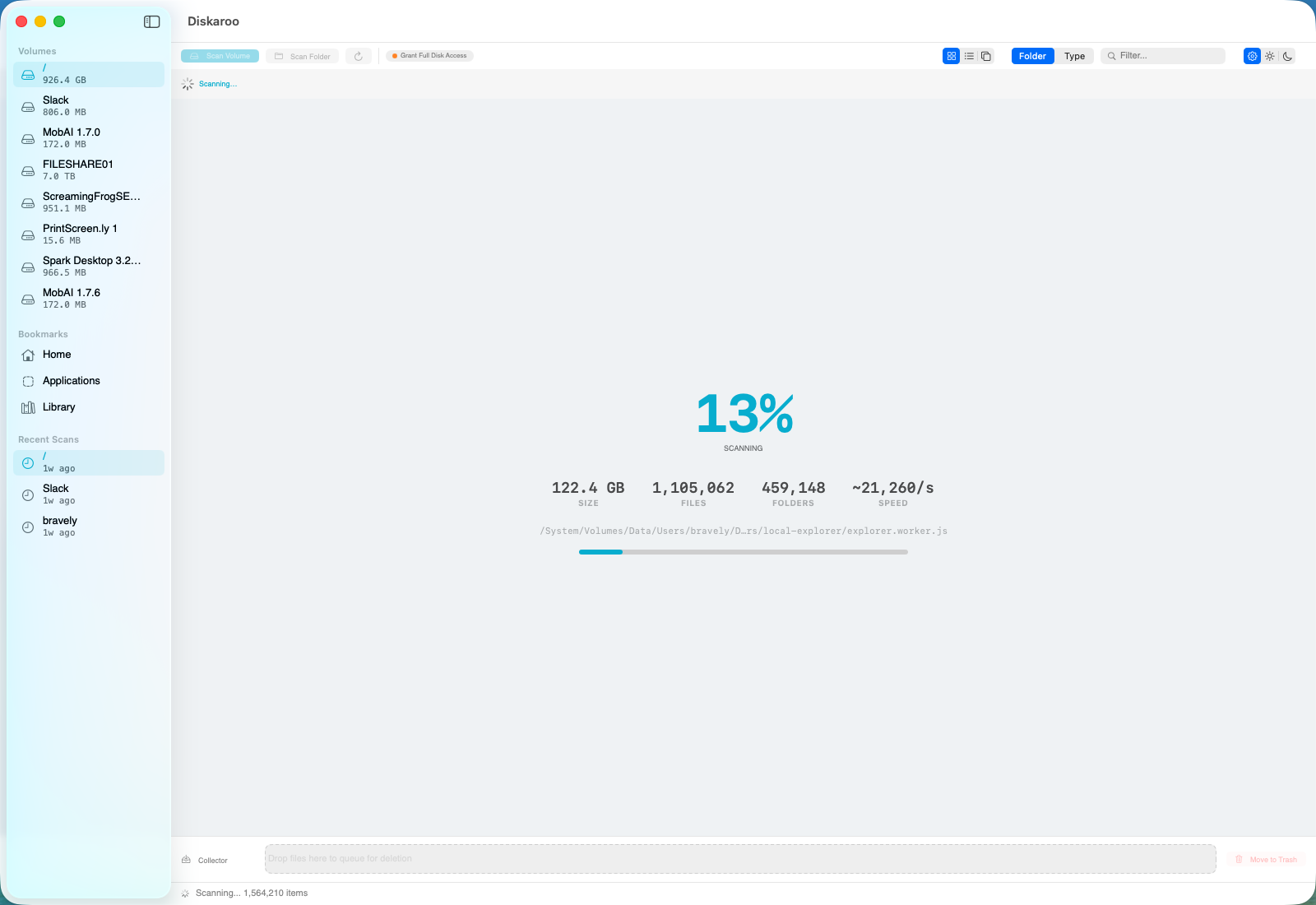
Diskaroo scanning a disk — live file count, treemap, and a collector tray for reviewing folders before they go to the Trash.

Live scan in progress — the biggest node_modules folders surface first.

Why node_modules gets so big

If you write JavaScript or TypeScript, you already know the feeling: a dozen old project folders, each carrying a node_modules directory that's 200 MB to several gigabytes, and together using 20–60 GB you could easily get back. node_modules is one of the biggest space users on a developer's machine, and it's easy to miss — buried several folders deep, where you'd never think to look.

Every project installs its full dependency tree locally. Transitive dependencies multiply, native build artifacts get cached, and nothing cleans up after itself. A repo you haven't touched in eight months still has its entire node_modules sitting there. Multiply that across every side project, every cloned repo, every tutorial you followed once, and the number gets large fast.

How to find and clear it with Diskaroo

Diskaroo is a disk-usage map: it scans a drive or folder and shows you a visual treemap of exactly where space went, so stacked node_modules directories stop hiding. Here's the workflow.

  1. Scan your projects folder (or whole drive).

    Point Diskaroo at the directory where you keep code. It builds a treemap and a sortable list view so the biggest consumers surface immediately.
  2. Spot the node_modules pattern.

    In the treemap and list view, repeated node_modules folders across project after project become obvious. Use smart filters and the largest-first list to see total impact.
  3. Drill in to confirm.

    Use drill-in and the breadcrumb to verify a given node_modules belongs to a project you no longer need built — you can always reinstall with one command later.
  4. Send the batch to the collector tray and confirm.

    The collector tray is a review-before-trash staging area: add the folders you no longer need, review the whole batch in one place, then move them to the Trash when you're ready. Nothing is removed until you confirm the batch. Empty the Trash and you've got tens of gigabytes back; npm install rebuilds any project you need again later.

Why seeing it first beats removing blind

Plenty of developers clear these folders from the command line, and that works fine. The reason a visual tool earns its place is review: a blind one-liner removes everything matching the pattern — including the node_modules for the project you're actively working on, if you run it from the wrong place. Diskaroo's treemap shows you exactly how much room each folder uses, and the collector tray lets you confirm the batch before anything moves to the Trash. Seeing it first is simply the safer habit.

One license, Mac and Windows

Diskaroo is a single $19.99 one-time purchase — no subscription — that includes the disk-usage map and exact, byte-identical duplicate detection, and works across both the Mac and Windows desktop apps on one purchase — useful if you develop on a Mac and also keep a Windows machine, since the same license covers both.

What Diskaroo does not do

To be straight about it: Diskaroo does not auto-clean on a schedule, doesn't have rules that remove node_modules automatically, and isn't a system optimizer. It shows you where space went and gives you a safe, reviewed way to free it up yourself. Its duplicate detection finds exact, byte-identical copies only — not similar or fuzzy matches. If you want fully automated, hands-off cleanup, that's not what this is.

Diskaroo icon

Reclaim the disk in under five minutes.

Native Mac & Windows disk visualizer with byte-exact duplicate detection. One $19.99 purchase, both desktops, no subscription.

Get Diskaroo

Related