Use case · honest scoping

How to manage parallel AI coding agents — what that actually means

“Manage parallel AI coding agents” can mean orchestration, scheduling, context-sharing, output-merging, monitoring — or it can mean the much smaller, very real daily problem of keeping them straight. This page is honest about which part terminal --tags solves.

The concession, up front and plainly

terminal --tags does not orchestrate agents. It does not schedule them, queue work, share context between them, merge their output, monitor their status, or coordinate anything. If you need true orchestration, terminal --tags is not it — and nothing on this page will pretend otherwise. What “manage” means here is narrow and literal: identify which window is which agent, and launch a new tagged agent fast. Identify + launch. Not orchestrate.

The reason that narrow definition is still worth a page: for most people running 4–6 agents day to day, the actual bottleneck isn't orchestration software — it's that the OS gives you six identical windows and you keep driving the wrong one. Solving that is unglamorous and genuinely useful.
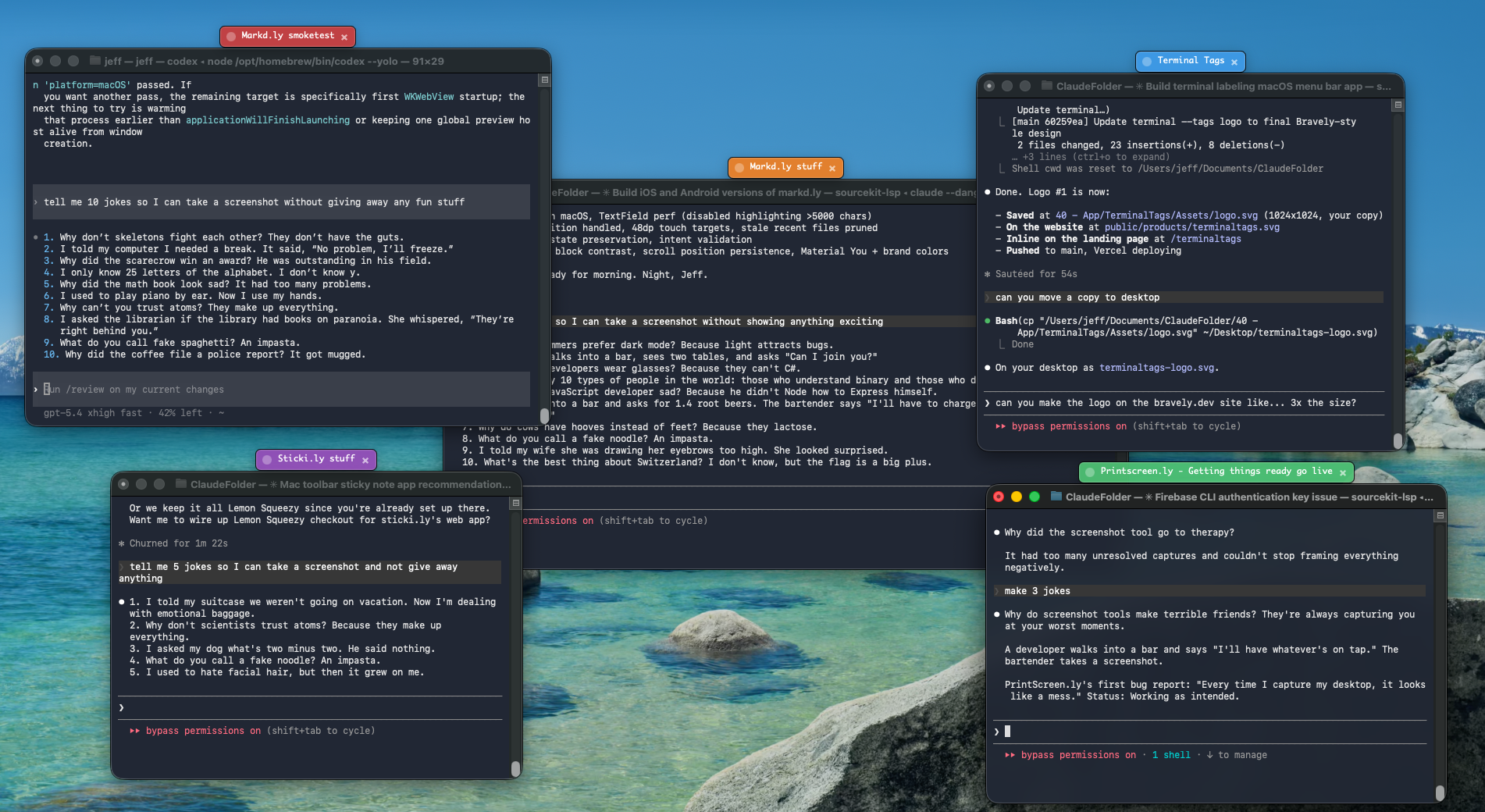
Several agent terminal windows, each carrying a distinct colored, named terminal --tags overlay so the user can see which agent is where.

claude · api, codex · tests, gemini · docs — the OS becomes your at-a-glance map.

The two things we actually help with

1. Identify (Free)

terminal --tags is a menu-bar / tray utility that paints a colored, named OS-level overlay on any window you click. On Mac it rides on top of the window across Spaces and re-pins itself after Cmd+Tab and Mission Control; the Windows build carries the same overlay across Alt+Tab and virtual desktops. It works on identical windows because it tags the window, not the app. Tag each agent — “claude · api”, “codex · tests”, “gemini · docs” — and the OS itself becomes your at-a-glance map of which agent is where. No account needed; unlimited tags; full palette, shape, font, and Big-tags controls. This is the core wedge and it's entirely free.

2. Launch (Pro)

The agent-profile runner is the one shipped feature that touches “manage” in the launch sense. Pre-configure profiles for claude / codex / gemini — each with its directory, label, and color — and spawn a fresh, already-tagged session from the tray in one click. It launches and labels. It still does not orchestrate, monitor, or coordinate; you drive each agent yourself. Pro: $3.99/mo, $24.99/yr, $49 lifetime, Mac and Windows.

What real “management” looks like (and where we fit in it)

A realistic multi-agent setup is: git worktrees or tmux for isolation and sessions, your editor/IDE for review, git for integrating the output, and you as the actual orchestrator making the calls. terminal --tags is one small piece of that — the labeling piece — not the system. It's the difference between “I have six agents and no idea which window is which” and “I can see all six at a glance and start a seventh in one click.” That's the honest size of the help.

If you want the step-by-step, run multiple Claude Code sessions and the git worktrees pages walk through real setups.

Who this is for / not for

For

Developers running 4+ agents at once who keep losing or mis-driving windows.

Not for

Anyone who needs scheduling, queueing, context-sharing, or orchestration — terminal --tags has none of that and is not on a roadmap to.

We add the visual layer. You stay the orchestrator.

Free identification. Pro adds the one-click tagged launcher.

Get terminal --tags

Mac · Windows · one license, both desktops

Related