Git worktrees for multiple agents: the parallel setup, and how to not lose a window
If you run more than one AI coding agent on the same repo, git worktrees are the right tool. They give each agent an isolated working directory off the same .git, so two agents don't trample each other's uncommitted changes or fight over a branch. This is the de-facto community technique for parallel agents, and it's worth doing properly.
git worktrees are a built-in git feature. terminal --tags does not create, manage, sync, or clean up worktrees — git does, entirely. We add exactly one thing to this setup: once you have four worktrees and four agents and four identical terminal windows, terminal --tags is the visual layer that tells you which window is which worktree. That's the only claim on this page. If you want worktree management, you want git; if you want to stop losing the right window, read on.
The worktree setup (pure git — do this regardless of us)
Each is a full checkout on its own branch, sharing one object store.
Open a terminal in each worktree directory
and start your agent there: cd ../myproj-tests && claude (or codex, or gemini).
Work in parallel.
Each agent's edits, branch, and dirty state are isolated. Merge or rebase branches normally when done.
Clean up when finished:
git worktree remove ../myproj-tests.
That's the whole parallelism story, and none of it needs terminal --tags. It's good practice on its own.
tests · agent green, api · agent amber, docs · agent blue — the OS disambiguates for you.
The seam: N worktrees → N identical windows
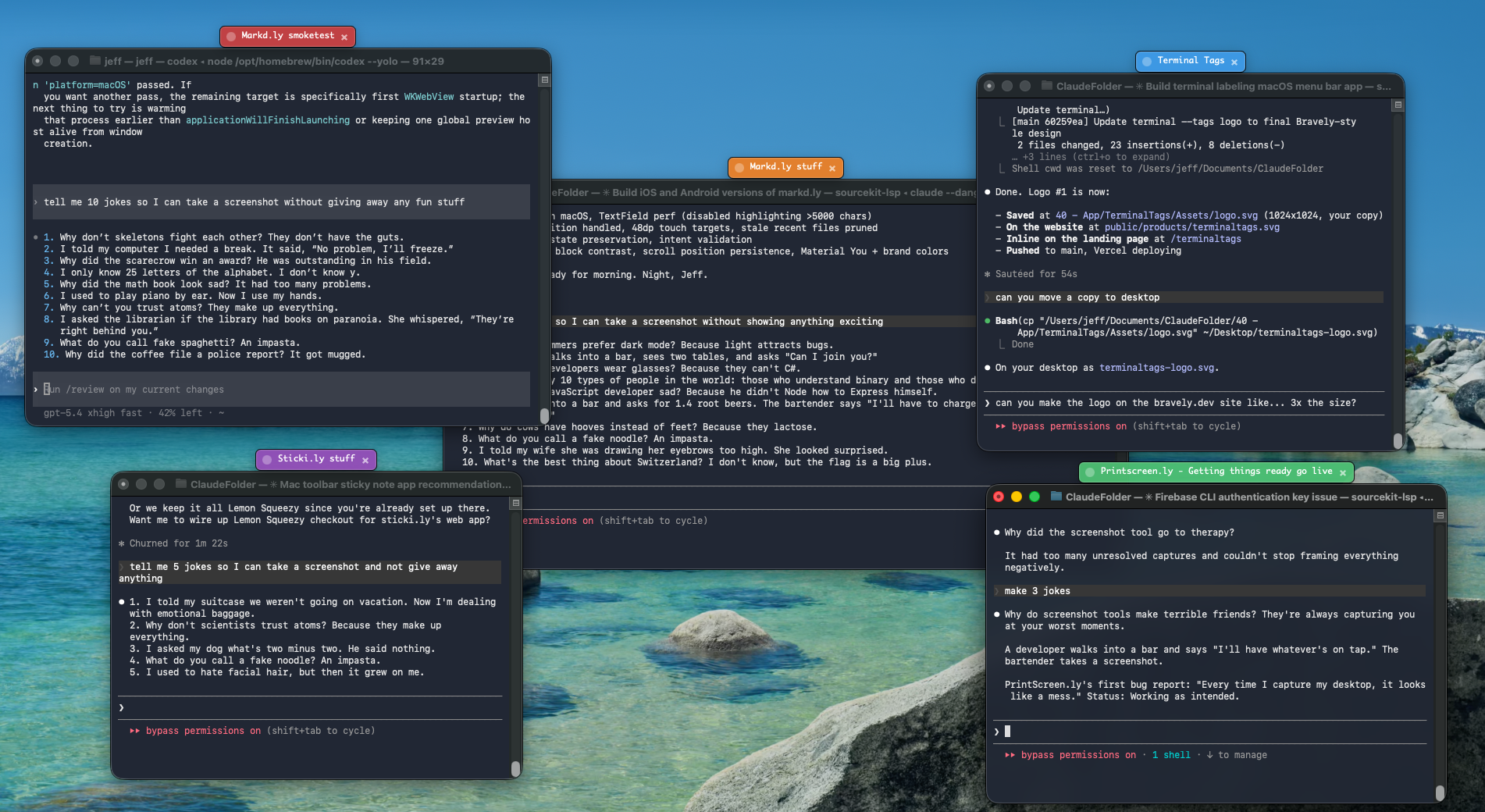
Here's the friction worktrees leave behind. Three terminal windows, all titled claude, all on the same project, each in a different worktree. Cmd+Tab shows three clones. You click into each to remember which is the test agent. That round-trip, dozens of times an hour, is the tax.
terminal --tags closes that seam:
Launch terminal --tags
(menu bar / tray, no account needed).
Tag each worktree's window
at the moment you start its agent: hotkey → click → “tests · agent” green, “api · agent” amber, “docs · agent” blue.
The OS now disambiguates for you.
Cmd+Tab, Mission Control, the Dock — each window carries its worktree's name and color, surviving Spaces and window switching.
Optionally, Pro's saved-profile launcher can spawn a pre-tagged session for a known worktree in one click — it still doesn't touch the worktree itself; it opens a terminal in that directory and applies the label. $3.99/mo · $24.99/yr · $49 lifetime.
Honest scope
terminal --tags is a small overlay. It does not run git worktree, doesn't watch for new worktrees, doesn't sync them across machines, doesn't know a worktree exists. It tags a window you point at. This audience is sophisticated and will smell an over-claim instantly — so there isn't one.
git does the worktrees. We do the windows.
Free tagging. git worktrees are free too — and the right tool for the parallelism.